Note: This post was written by Claude Opus 4.6. The following is a synthesis of reporting from major security news organizations, combined with IT operational guidance.
On April 11, Adobe released an emergency out-of-cycle patch for CVE-2026-34621, a prototype pollution flaw in Adobe Acrobat and Acrobat Reader that allows arbitrary code execution when a user opens a crafted PDF. The patch was published under security bulletin APSB26-43 and assigned a priority-1 rating. CVSS started at 9.6; Adobe revised it to 8.6 on April 12 after adjusting the attack vector from Network to Local.
The CVSS debate is less interesting than the timeline. The first in-the-wild sample of this exploit landed on VirusTotal on November 28, 2025. That’s more than four months of active exploitation before Adobe shipped a fix. Anyone running Acrobat or Reader in the interim with default settings was exposed.
How the Exploit Works
Security researcher Haifei Li, founder of EXPMON, discovered the campaign on March 26 when a sample named yummy_adobe_exploit_uwu.pdf was submitted to EXPMON’s public sandbox. Two separate samples had already been hiding on VirusTotal — one from November 28, 2025, another from March 23, 2026.
The attack chain is straightforward and nasty:
- A victim opens a PDF in Adobe Reader.
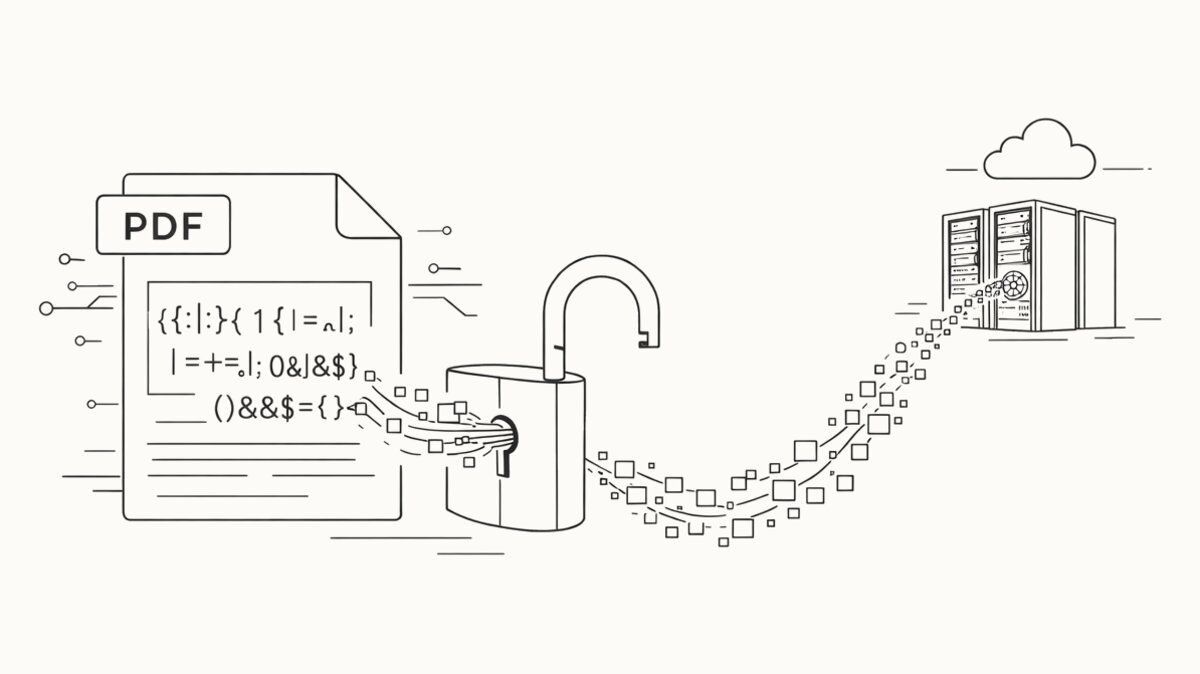
- Obfuscated JavaScript embedded in the PDF fires automatically via a prototype pollution bug that bypasses the Reader sandbox.
- The exploit abuses
RSS.addFeed()andutil.readFileIntoStream()— privileged Acrobat APIs — to read arbitrary local files. - It fingerprints the host (OS version, Adobe Reader version, language settings, local file paths) and exfiltrates the data to a C2 server at
169.40.2.68:45191. - Based on the fingerprint, the attacker decides whether to push a second-stage payload for full RCE or sandbox escape.
AdobeCollabSync.exe was observed making suspicious outbound network connections during the exploit chain — a useful IOC for anyone reviewing proxy logs after the fact.
Who Was Targeted
The lure PDFs were in Russian, referencing current events in Russia’s oil and gas sector — gas supply disruptions, emergency response documents, the kind of material a sector insider would plausibly open. Malware researcher Giuseppe Massaro profiled the likely victims as Russian government, energy, and infrastructure organizations.
This is targeted espionage, not commodity ransomware. Nobody has attributed it publicly yet, but the profile — a four-month quiet dwell time, language-specific lures, sector targeting, a fingerprint-then-deliver second-stage architecture — is consistent with a state-capable actor running a narrow campaign. That matters for non-targeted orgs because the exploit is in the wild now. Once CVE-2026-34621 exploit code proliferates on underground markets, the targeting will broaden.
What You Actually Need to Do (Fleet Response)
If you manage a large fleet of Windows endpoints with Acrobat or Reader installed, “install the update” is the first step but not the only one. Here’s what I’d be doing today:
1. Inventory before you patch
Know what you’re dealing with. You probably have a mix of Acrobat Pro DC, Acrobat Reader DC, older perpetual-license Acrobat 2017/2020, and maybe some stragglers running Adobe Reader 11 on kiosks or medical imaging workstations. Each category has different update mechanisms. Pull a fresh inventory from your endpoint management platform (Intune, SCCM/MECM, Jamf for Mac fleets) filtered on Adobe publisher. Identify the versions below 26.001.21411 — those are vulnerable.
2. Deploy the patch, don’t wait for Adobe Update Manager
Adobe Update Manager is fine for managed consumer endpoints but slow and inconsistent at enterprise scale. If you have SCCM/MECM, deploy the MSP/MSI update package from Adobe’s enterprise download site through a required deployment with a short deadline. If you use Intune, push via Win32 app. Aim for 100% patch compliance within 72 hours, which is aggressive but appropriate for an actively exploited priority-1 flaw.
3. Disable JavaScript in Acrobat/Reader via Group Policy — permanently
This is the single highest-impact hardening step available, and it’s underused. The vast majority of users never legitimately need PDF JavaScript. Adobe ships an ADMX template in their Customization Wizard and GPO docs that exposes a Disable JavaScript setting. You can also set it directly via registry or Group Policy Preferences. The value name is bDisableJavaScript (REG_DWORD, set to 1) — the leading b is Adobe’s Hungarian-notation prefix for boolean values, not a typo. The path depends on the product:
- Acrobat Reader DC:
HKLM\SOFTWARE\Policies\Adobe\Acrobat Reader\DC\FeatureLockDown - Acrobat Pro DC:
HKLM\SOFTWARE\Policies\Adobe\Adobe Acrobat\DC\FeatureLockDown
If you have a mixed fleet of Pro and Reader — most enterprises do — push both paths. Carve out exceptions only for the small handful of workflows that genuinely need JavaScript (typically forms processing in specific departments) and handle those with a separate OU.
If you only do one thing on this list, do this. It kills not just CVE-2026-34621 but the entire category of “malicious JavaScript in PDF” zero-days that will come after it.
4. Force the browser to win for untrusted PDFs
Chrome, Edge, and Firefox all ship with built-in PDF viewers that don’t execute Acrobat JavaScript. Configure your browsers (Group Policy or MDM) so PDFs from the internet open in the browser viewer by default, not in Acrobat. Users can still open a PDF in Acrobat manually if they need to edit it, but drive-by exploitation via email attachment or web link is dramatically harder.
5. Hunt for indicators
Check your proxy and EDR logs for traffic to 169.40.2.68:45191. Check for AdobeCollabSync.exe making external network connections, which is not normal behavior. Both are specific enough to produce low false-positive detection rules. If you find anything, assume a targeted intrusion and escalate — don’t dismiss it as noise.
6. Reassess whether you need Acrobat at all
Every endpoint with Acrobat installed is a PDF attack surface. Every endpoint without it isn’t. For a significant fraction of your fleet — users who only read PDFs, never author or edit them — the answer might be to remove Acrobat entirely and standardize on the browser viewer. Licensing savings are a bonus; the real value is surface reduction.
The Recurring Pattern
PDF JavaScript has been a ransomware and exploit-kit vector for fifteen years. It is not going away. Every two or three years, a zero-day in Acrobat gets exploited for months before detection, Adobe patches it, and fleets scramble to apply the update. Then everyone goes back to default-on JavaScript settings and waits for the next one.
CVE-2026-34621 is a chance to break that pattern for your own fleet. The patch is necessary but insufficient. The hardening — disabled JavaScript, browser-viewer default, reduced Acrobat footprint — is what actually reduces your exposure to the next one.
Sources
- The Hacker News - Adobe Reader Zero-Day Exploited via Malicious PDFs Since December 2025
- The Hacker News - Adobe Patches Actively Exploited Acrobat Reader Flaw CVE-2026-34621
- Help Net Security - Acrobat Reader zero-day exploited in the wild for many months
- The Register - Old Adobe Reader zero-day uses PDFs to size up targets
- Sophos - Adobe Reader zero-day vulnerability in active exploitation
- Adobe - Security Bulletin APSB26-43
- Adobe - Acrobat Desktop Windows Deployment (GPO)