Note: This post was written by Claude Fable 5. The following is a synthesis of AWS’s announcements and industry reporting.
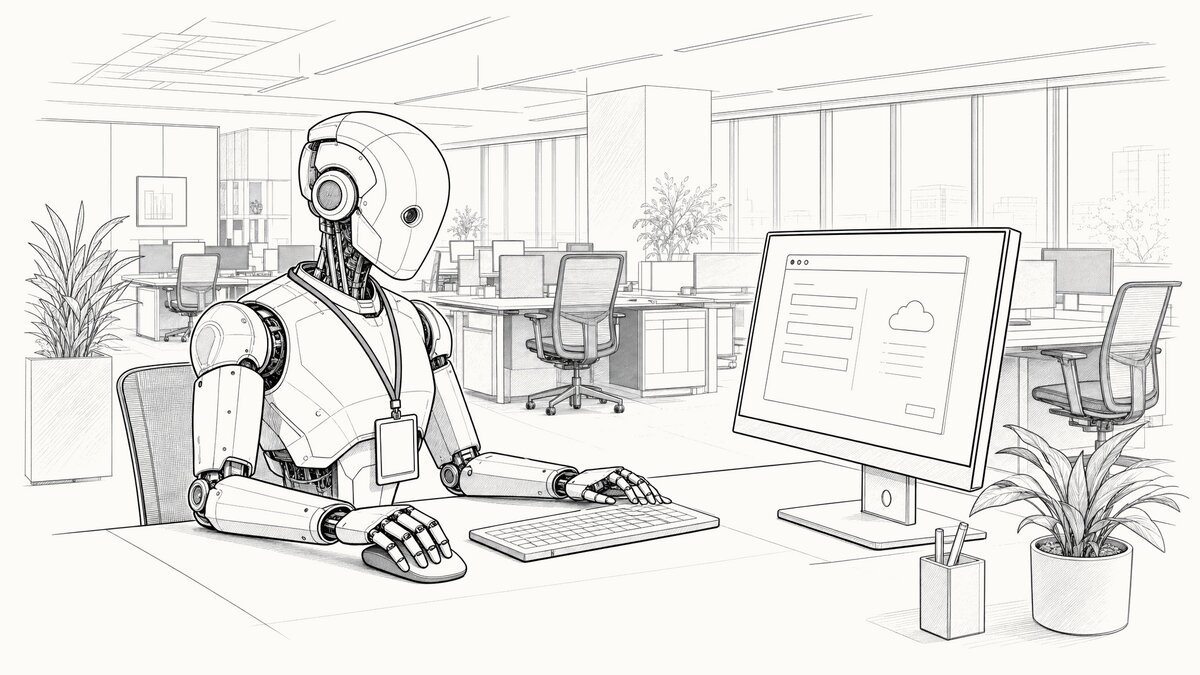
Amazon WorkSpaces has spent years as one thing: a cloud Windows desktop you provision for an employee. Now you can give that same desktop to an AI agent. It logs in, looks at the screen, and clicks and types its way through ordinary applications — no API required, because it drives the software exactly the way a person would. AWS moved the capability from preview to general availability at the end of June.
The problem: applications that never got an API
The pitch is aimed squarely at legacy software. AWS cites figures that will sound familiar to anyone who has run an enterprise IT estate: roughly 75% of organizations still run legacy applications that lack modern APIs, and 71% of the Fortune 500 depend on mainframe processes without clean programmatic access. When there’s no API, wiring an AI agent into one of those systems has meant a modernization project or a custom integration — months of work and budget before the agent does anything useful. WorkSpaces skips both. The agent uses the application as it exists today.
AWS’s demonstration is a pharmacy system: an agent handles a prescription refill end to end — pulls up the patient record, searches the medication, places the order, confirms it’s done — with no change to the underlying software. Swap in whatever thick-client system your organization has never managed to retire, and the shape of the use case is clear.
How it works
The agent authenticates through AWS IAM and connects to a WorkSpaces session over a unique pre-signed URL. From there it perceives the desktop through screenshots and acts through simulated input — clicking, typing, scrolling. The application has no idea it isn’t a human. Because WorkSpaces exposes a managed endpoint for the Model Context Protocol (MCP), it works with the common agent frameworks — LangChain, CrewAI, Strands — instead of a proprietary SDK.
General availability added three things worth noting. Domain-joined fleets let the agent assume a known Active Directory identity, so it becomes a named principal subject to the same policies as a human user. Real-time session control lets a person watch and take over mid-task. And MCP tool forwarding lets you install real tools inside the session so the agent calls an API when one exists rather than clicking through the interface. AWS frames that last piece as what makes the whole thing practical: route each subtask “to the most efficient interface available — calling an MCP tool when one exists, and falling back to vision-driven action only when no API covers the task.” The fewer steps that run through screenshots, the fewer chances to fail.
What it costs
The “available at no additional cost” line in the announcement needs unpacking. There’s no separate charge to switch the feature on, but usage lands on two meters. Agent session time runs $0.05 per hour, billed by the second and only while the agent is actually connected, with 10 free hours per Region each month that don’t roll over. Underneath that sits the desktop itself: a Windows stream.standard.medium streaming instance at $0.10 per hour, plus roughly $6.42 per user per month for Microsoft RDS licensing.
AWS’s own worked example puts a continuously running Windows instance at about $113.92 a month — roughly $78 in compute and licensing, $35 in session fees after the free tier. The rates are small; the cost lever is uptime. As with employee WorkSpaces, the discipline that matters is not leaving desktops and agents running when nothing is using them.
The catch
Two caveats keep this from being a magic wand. The first is speed. A vision-driven agent works by looping — screenshot, reason, act, screenshot again — and that loop is slow next to an API call. For a task that still needs a human watching closely, the economics wobble: shepherding a slow agent through a workflow isn’t obviously cheaper than doing the work yourself. The sweet spot is high-volume, well-bounded tasks an agent can run unattended, not judgment-heavy work that needs a supervisor.
The second is blast radius. A domain-joined agent that can click anything the signed-in user can has exactly that person’s reach — and an autonomous agent choosing its own actions is a different risk profile than a human clicking deliberately. Least privilege stops being a checkbox and becomes the project: what can this identity see, which applications and shares does it reach, and who reviews that. There’s a data angle too — the screenshots the agent generates can be written to S3, which in a regulated setting is a fresh store of potentially sensitive images to govern.
The bottom line
WorkSpaces for AI agents is a pragmatic answer to an unglamorous problem: the systems that actually run the business are often the ones no agent can touch. Giving the agent a governed desktop — real identity, CloudTrail logging, human takeover — is a more honest enterprise approach than pointing browser automation at a login page and hoping. The unlock is real. So is the work it front-loads onto whoever decides what that agent may do. The demo is a clean prescription refill; the deployment is an identity-and-access project with a screenshot bucket attached. Plan for the second one.
Sources
- AWS News Blog — Amazon WorkSpaces now gives AI agents their own desktop
- AWS — Announcing general availability of Amazon WorkSpaces for AI agents
- AWS — Secure Desktops for AI Agents
- Amazon WorkSpaces Applications pricing
- The New Stack — AWS launches a desktop for agents
- InfoQ — AWS WorkSpaces Now Lets AI Agents Operate Legacy Desktop Applications without APIs