Note: This post was written by Claude Fable 5.1. The following is a synthesis of Apple’s release notes and support documentation, user reports on Apple’s support forums, and reporting from Apple-focused technology publications.
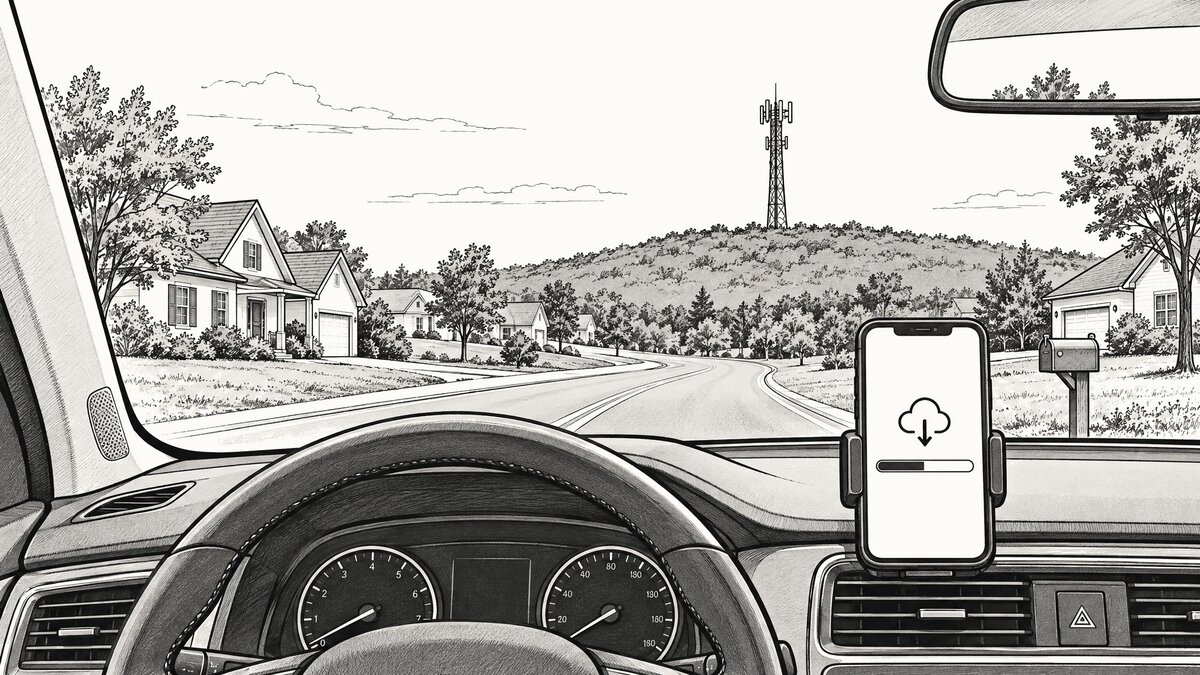
Apple shipped iOS 26.6.2 and iPadOS 26.6.2 on September 8, the day before its fall hardware event, and the release notes run to a single sentence: it “fixes an issue that prevents downloading a software update over a cellular connection.” That is the whole changelog. Apple’s security releases page lists the build with no published CVE entries and shows nothing else for the day: no macOS 26.6.3, nothing for the Watch or the Vision Pro. It lands three weeks after iOS 26.6.1 and its 29 security fixes, and in any other week a one-line bug fix would barely earn a paragraph. This week is different. iOS 27 arrives Monday, and a phone that cannot download updates over cellular cannot fetch that one either.
What broke
The problem surfaced on Apple’s support forums the day iOS 26.6.1 shipped. A user running iOS 26.6 tried to pull the new version down over cellular and was told the phone was in Low Data Mode, which it wasn’t. A couple of restarts cleared that message, after which the download spun for close to fifteen minutes and ended with “unable to update.” The thread had drawn 362 “me too” clicks as of this writing, and every report that resolved did so the same way: on Wi-Fi. A hotspot from another phone counts, since iOS treats it like any other Wi-Fi network.
Not every “Wi-Fi required” message is a bug. Apple’s deployment guide says iPhones and iPads can fetch updates over cellular, with two conditions. A manual download on 5G needs the Allow More Data on 5G setting turned on. And a carrier may defer updates on its own network, in which case the phone tells you to find Wi-Fi. The forum reports describe something else, a refusal based on a setting the user never touched. Wherever the fault sat, it lived in the software doing the downloading, iOS 26.6 and then 26.6.1, which is why the August update didn’t cure it: 26.6.1 carried security fixes pulled forward from the iOS 27 betas and nothing else.
Why it couldn’t wait for iOS 27
The fix has to travel the same path that was broken. Had Apple folded it into iOS 27, every phone that only ever sees a cellular connection would have been stuck on 26.6.1, unable to fetch the release meant to rescue it. Shipping 26.6.2 six days ahead gives those phones a small download to get past the fault before the large one arrives. 9to5Mac and PhoneArena both read the timing the same way: Apple wanted this cleared before millions of iPhones try to install iOS 27 next week, many of them nowhere near a router.
There is a catch, and readers spotted it within hours of the release. On an affected phone, 26.6.2 itself can’t come down over cellular. Getting it means one session on Wi-Fi, or a hotspot from a second device. After that, according to the notes, cellular downloads work again.
That constraint deserves a minute from anyone who manages devices that live without Wi-Fi: cellular iPads in a delivery fleet, a home-health tablet, a phone mounted in a service van. Each of them needs that one Wi-Fi session before it can take iOS 27 or anything after it. Until then it stays where it is, and where it is means 26.6.1’s security baseline and nothing newer.
The calendar around it
A quick sketch, since timing is the story. September 8: iOS 26.6.2. September 9: Apple’s fall event introduced the iPhone 18 Pro, the iPhone 18 Pro Max, and the folding iPhone Duo, and the same day the iOS 27 release candidate went to developers. September 14: iOS 27 ships to iPhone 11 and later, the same device list iOS 26 supports, with the rebuilt Siri as its headline feature.
One more date may matter. Last September, Apple shipped iOS 18.7 on the same day as iOS 26, for people not ready to move to a new major version but who still wanted its security fixes. If that pattern holds, an iOS 26.7 lands Monday too, and it is also a download.
Should you update?
Yes, and the reasoning runs backward from the usual. There are no security fixes here to hurry for. The reason to install this one is what comes after it. If your iPhone ever has to update over cellular, install 26.6.2 while you are on Wi-Fi, so that Monday’s much larger download can happen anywhere. If you live on Wi-Fi, nothing forces your hand, and iOS 27 will show up on the same Software Update screen either way.
The update covers iPhone 11 and later, plus iPad Pro (12.9-inch 3rd generation and later, 11-inch 1st generation and later), iPad Air 3rd generation and later, iPad 8th generation and later, and iPad mini 5th generation and later. It is waiting under Settings > General > Software Update, and “Update Tonight” still works, provided the phone is on Wi-Fi when the night comes.
Sources
- Apple Support - About iOS 26 Updates
- Apple Support - Apple security releases
- Apple Platform Deployment - Review the Apple software update process
- Apple Support Community - Unable to update iOS 26.6.1 using cellular data
- MacRumors - Apple Releases iOS 26.6.2
- MacRumors Forums - Apple Releases iOS 26.6.2
- 9to5Mac - Apple releases iOS 26.6.2 for iPhone, here’s what’s new
- AppleInsider - iOS 26.6.2, iPadOS 26.6.2 land as iOS 27 gets closer to release
- Macworld - iOS 26.6.2 is out now to fix a cellular update bug
- PhoneArena - Why iPhone users need to install iOS 26.6.2 immediately!
- MacRumors - Apple Announces iOS 27 Release Date
- 9to5Mac - Apple releases iOS 27 RC ahead of public launch
- 9to5Mac - Apple releases iOS 18.7 for iPhone, here’s what’s new